
The point of sale that runs your whole shop.
Counter sales, stock, purchases, branches and the books — one workspace, yourshop.possaas.bugbuild.com, your data yours. No online store to set up, no hardware lock-in.
- Works on any browser or tablet
- Own database & backups
- Cancel anytime
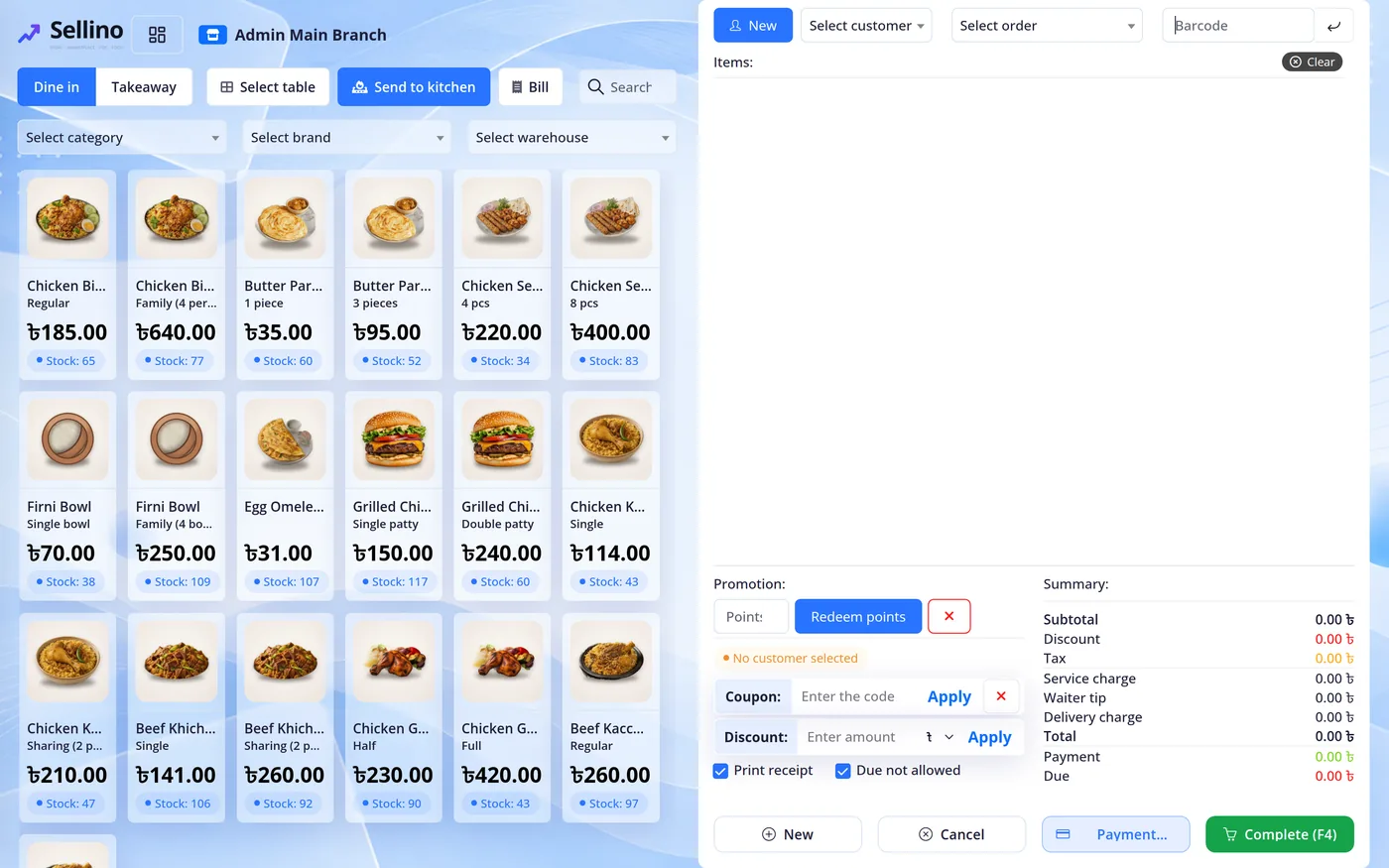
Everything a counter needs
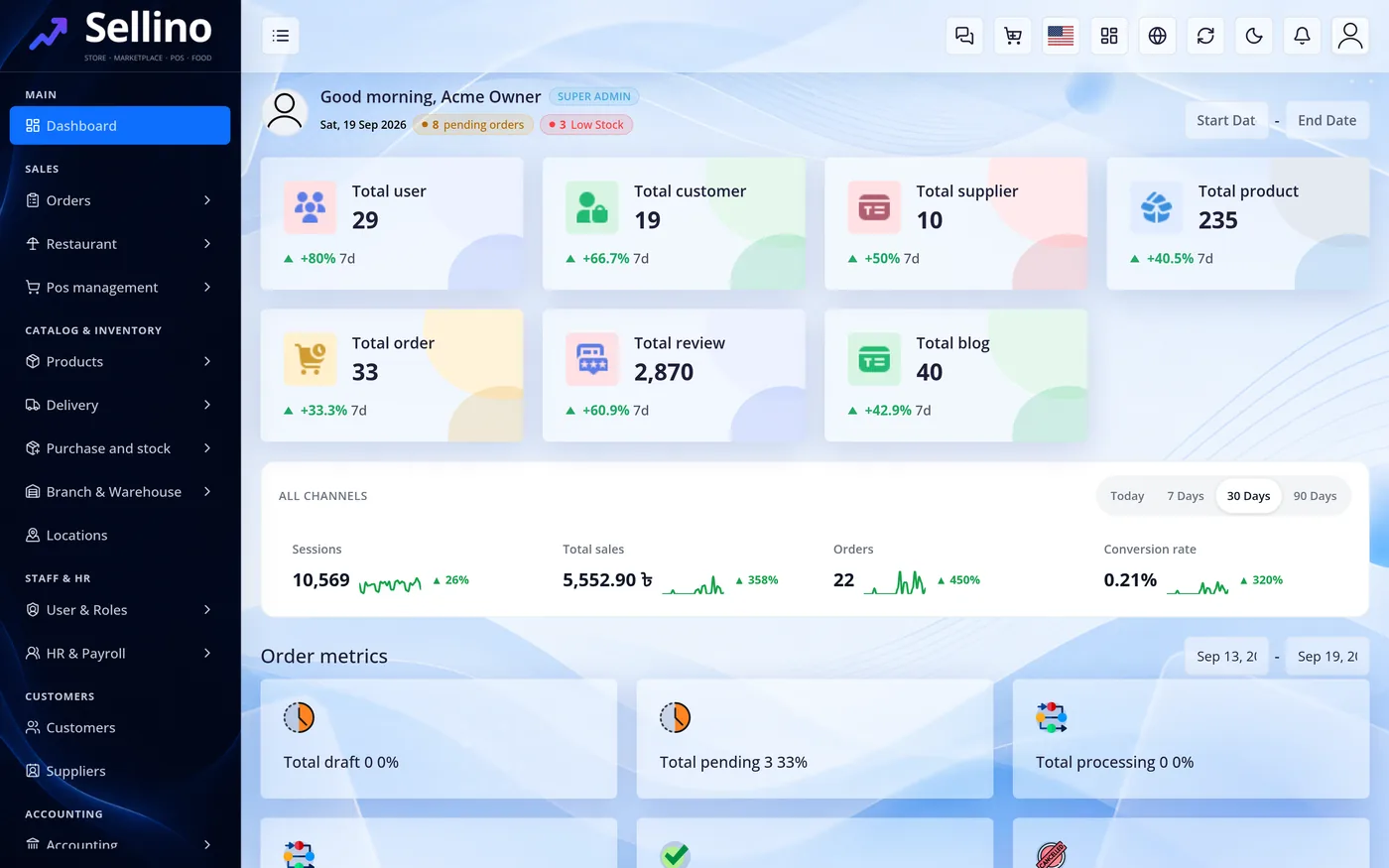
Sell at the counter. Know your stock. Close the day.
Every workspace ships the full POS. Your plan sets how many branches and staff — nothing else to buy.
POS terminal
Barcode scanning, quick keys, held carts, discounts, split and partial payments, receipts to print or send.
Stock & purchases
Purchase orders, supplier returns, stock adjustments and transfers, FIFO / average costing with lots and expiry.
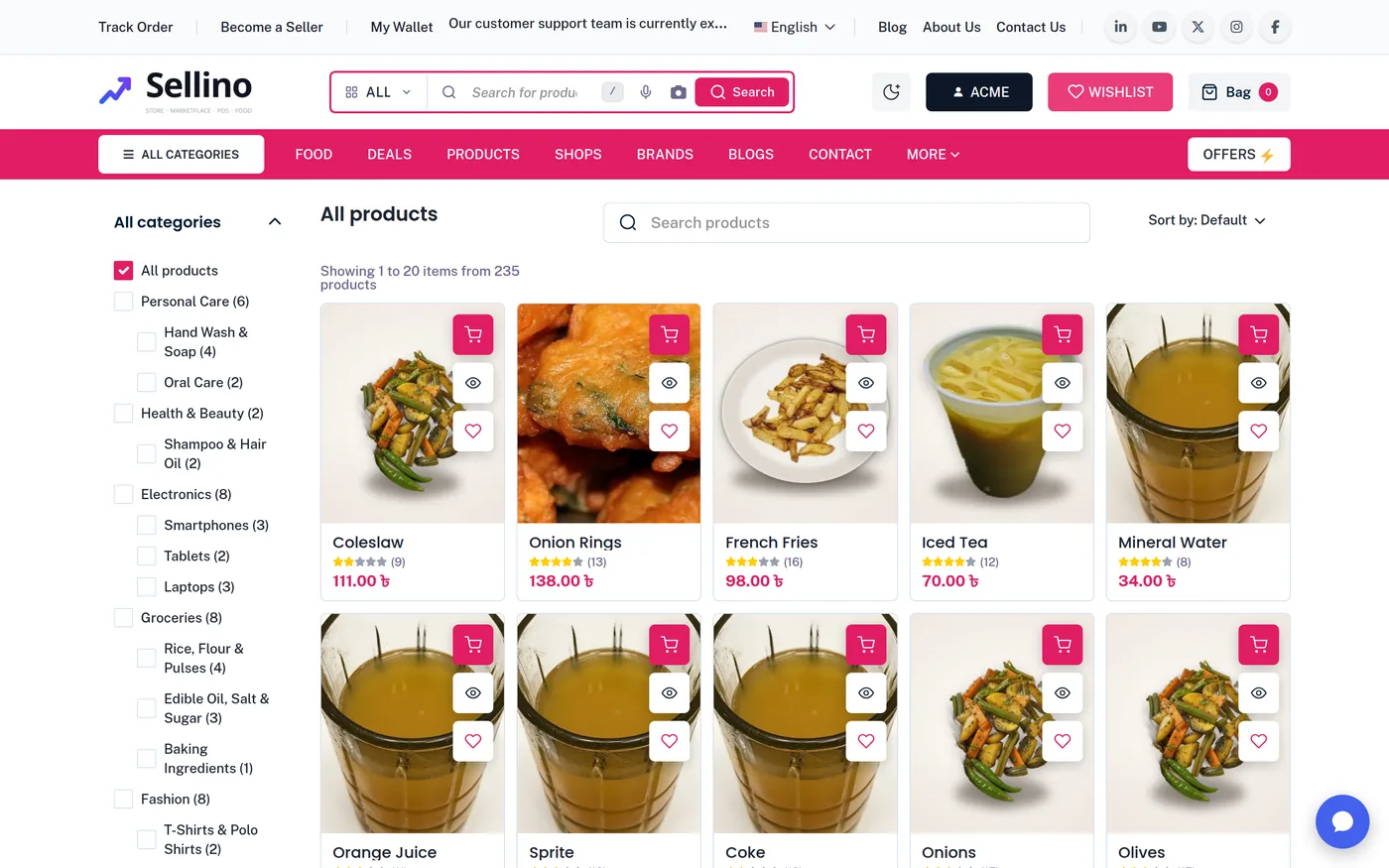
Branches & counters
Every outlet with its own counters, registers and stock — one owner view across all of them.
Registers & shifts
Open and close registers with cash counts, petty expenses and pickups; every shift reconciled.
Staff roles
Cashier, branch manager, central manager — branch-scoped access so people see only their outlet.
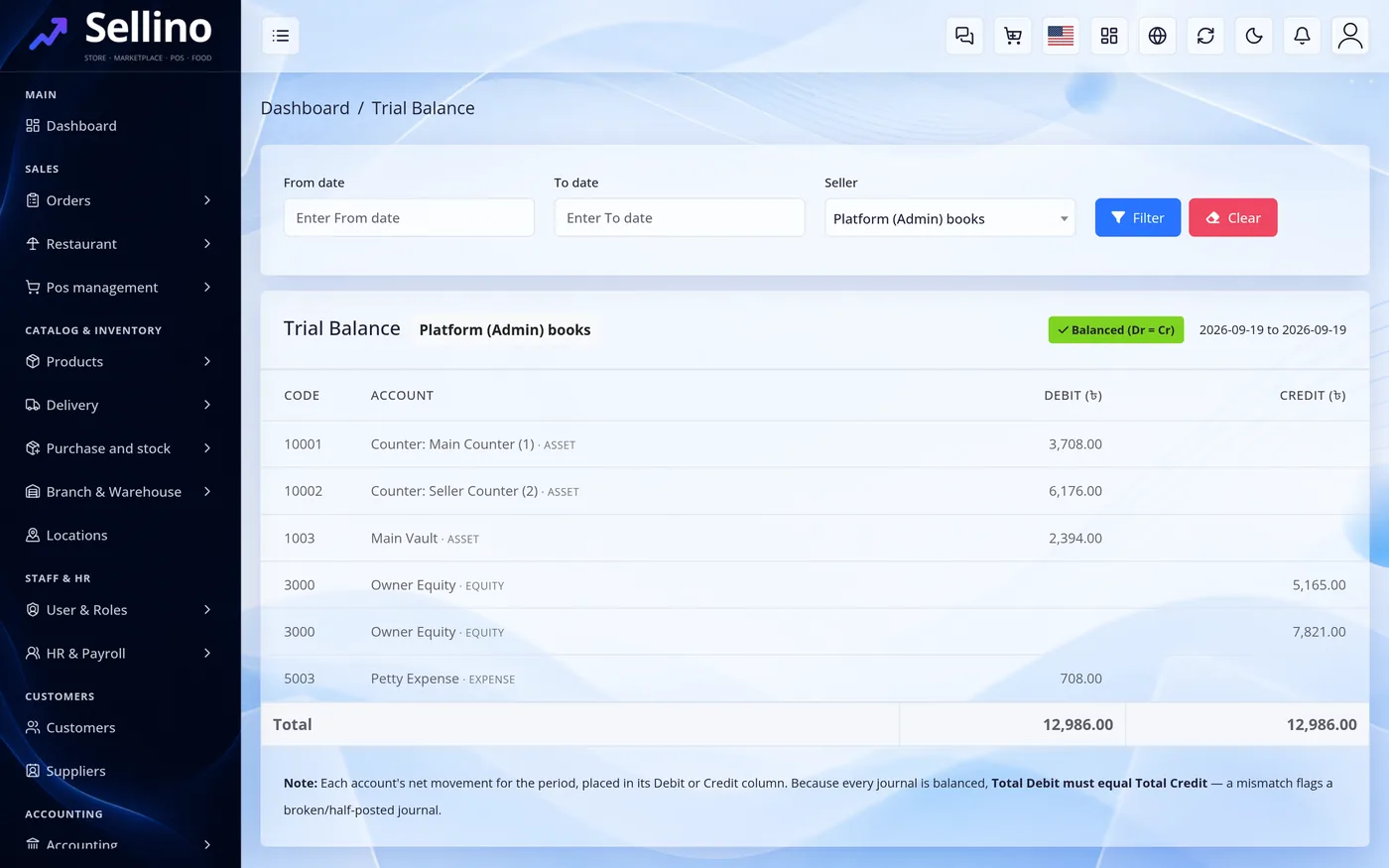
Accounting & reports
A double-entry ledger behind every sale: profit & loss, trial balance, cash book, stock valuation.
Sales & stock reports
Sales by day, product, branch and cashier; low stock and expiry alerts; purchase summaries.
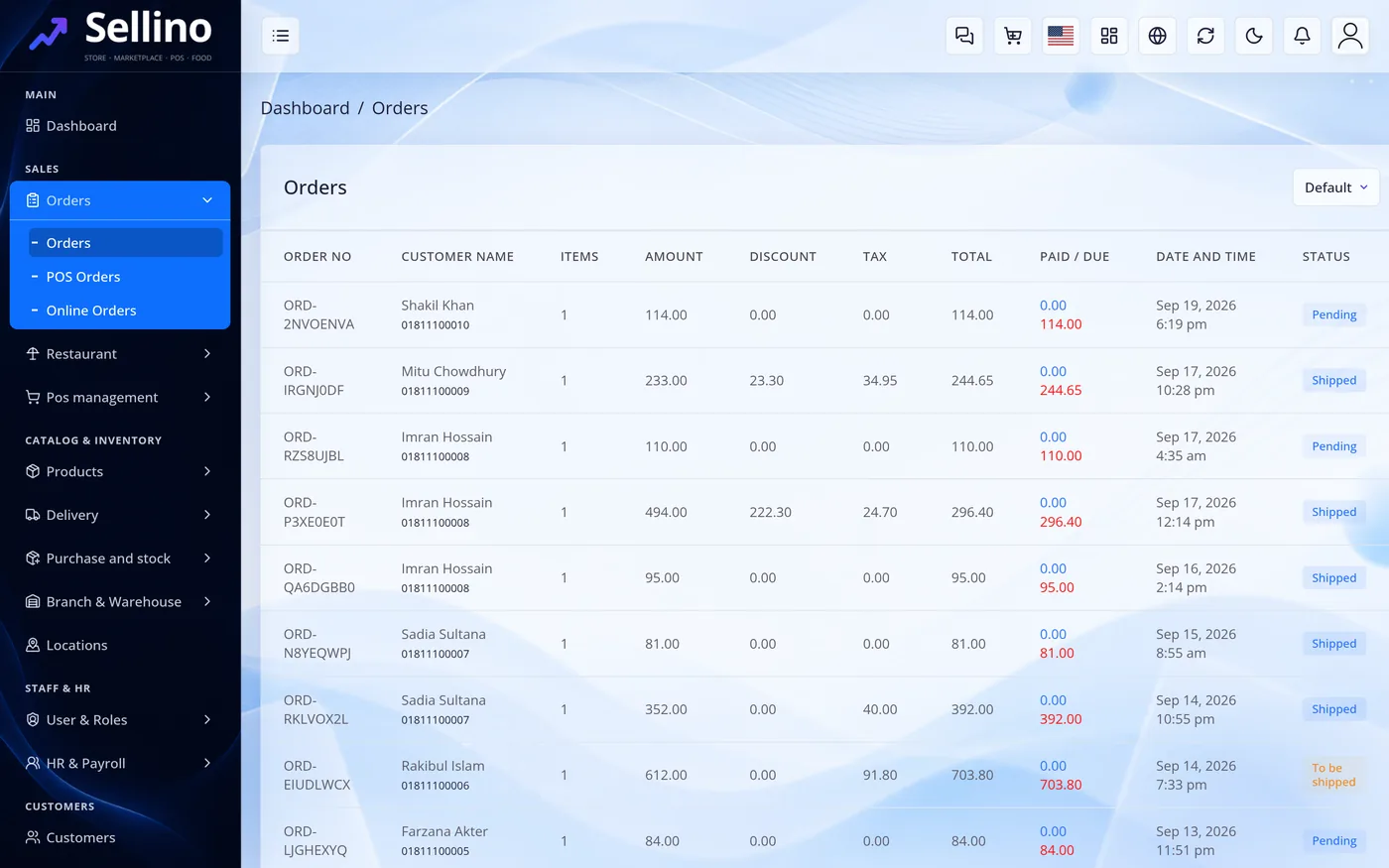
Customers & loyalty
Customer accounts, due tracking, reward points and coupons at the counter.
Works everywhere
Any browser, tablet or thermal printer. Your data stays in your own database, exportable any time.
Three steps. Your counter is open.
No servers, no installs. A workspace is created, migrated and seeded for POS the moment you sign up.
-
1
Pick a plan
By branches and staff. Every paid plan starts with a free trial.
-
2
Name your workspace
Choose yourshop.possaas.bugbuild.com. Your own database and settings are provisioned in about a minute.
-
3
Start selling
Add products, open a register, take your first sale. Bring your own domain whenever you like.
Plans by branches and staff.
Start free, upgrade when you grow. Every plan includes hosting, updates, the apps and support.
Counter Free
Counter sales, stock, branches — no online store.
- 2 staff accounts
- 1 branches
- 200 products
- Dine-in / restaurant management
- Custom domain
- Hosting, updates & support included
Counter
Counter sales, stock, branches — no online store.
- 10 staff accounts
- 3 branches
- 5,000 products
- Dine-in / restaurant management
- Hosting, updates & support included
Multi-branch
Counter sales, stock, branches — no online store.
- 100 staff accounts
- 25 branches
- 50,000 products
- Dine-in / restaurant management
- Hosting, updates & support included
Prices exclude tax where applicable. Limits are per workspace. Need more? Talk to us.
Your own database
Every workspace is a separate database. Nothing is shared, and you can export the lot any time.
Your own money
Cash, card, mobile money — recorded in your books. We only ever bill the subscription.
Your own domain
Start on a subdomain, add pos.yourbrand.com from your panel whenever you like.
Questions, answered.
Do I need special hardware?
No. Any laptop, tablet or phone with a browser works. Barcode scanners and thermal receipt printers plug in as usual.
Can I run more than one shop?
Yes. Each branch has its own counters, registers and stock; you see all of them from one owner account. Branch limits depend on your plan.
Is my data separate from other shops?
Yes. Every workspace has its own database. Nothing is shared, and you can export a full archive from your panel at any time.
What happens after the trial?
You receive an invoice for the first period. Pay by card, mobile wallet or bank transfer. If you do nothing, the workspace pauses — your data is kept.
Can I change plans later?
Any time, from Billing in your panel. Moving up applies as soon as the prorated invoice is paid; moving down at the end of the period.
Ready to open your counter?
Your workspace, your stock, your books — live today.